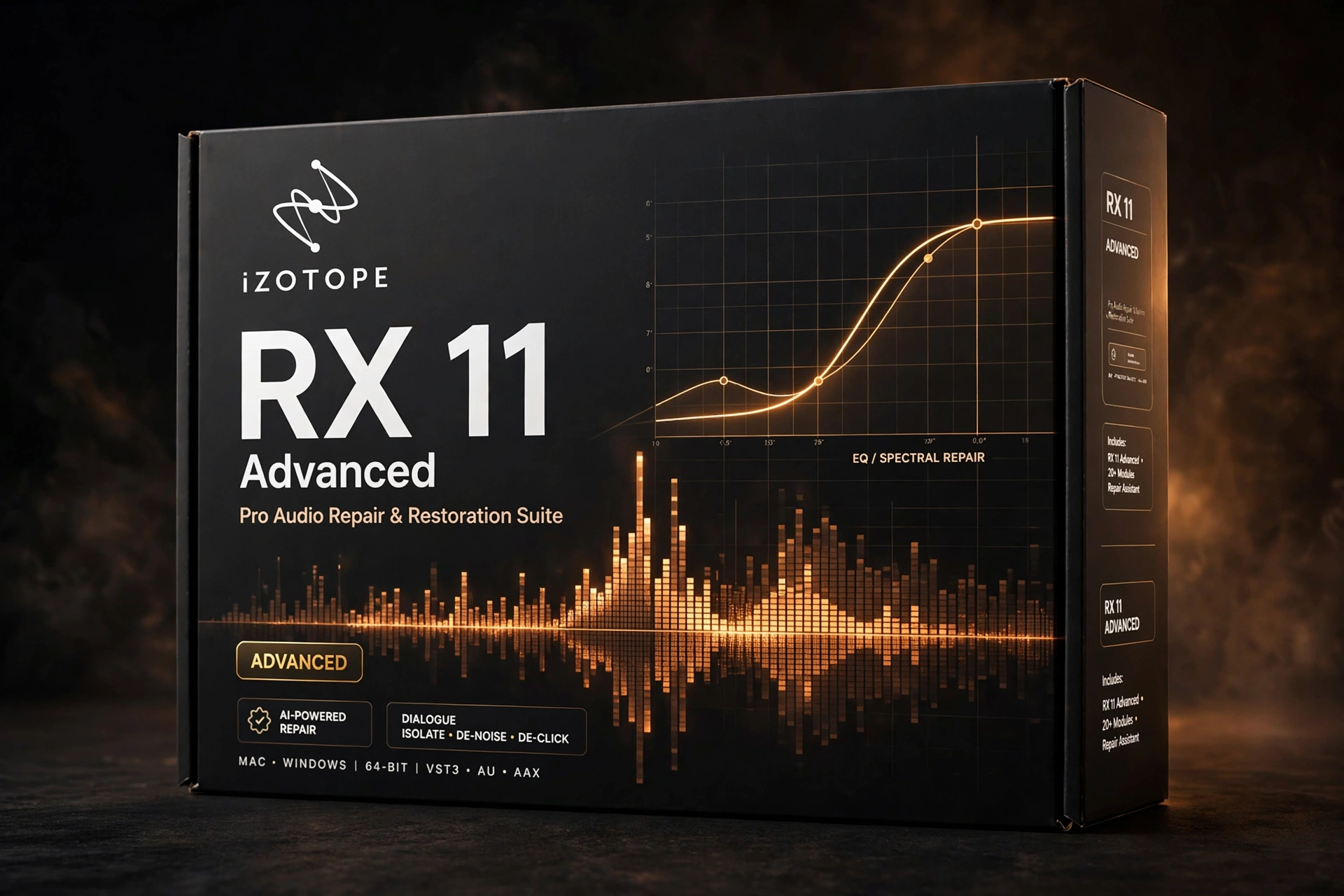
Every engineer eventually faces audio that should be unusable — noisy location dialogue, a clipped vocal take, hum-ridden archival tape. iZotope RX 11 Advanced is the toolkit that saves those sessions. Widely regarded as the industry standard for audio repair and restoration, it combines intelligent AI-driven tools with precise spectral editing to remove noise, clicks, hum, clipping, and reverb while preserving natural sound quality. For post-production, podcasting, music, and broadcast, iZotope RX 11 Advanced turns problem audio into finished audio.
What iZotope RX 11 Advanced Can Fix
The suite covers the full catalog of audio problems: broadband noise and hum, clicks and pops, clipping and distortion, unwanted reverb, mouth clicks, and rustle. Dialogue Isolate 3 uses machine learning to separate speech from complex background noise with remarkable accuracy, while the Repair Assistant AI 2.0 detects issues and proposes complete repair chains in seconds. The spectral editor — with ARA 2 integration for Logic Pro and Cubase — lets you visually paint away problems directly in your DAW timeline. Music Rebalance 2 can even isolate vocals, drums, bass, or instruments from a finished mix for remixes and cleanups. Across all of it, the suite prioritizes transparency: repairs that sound like the problem was never there.
Work in passes for the cleanest results: run the Repair Assistant first for broad problems like noise and hum, then address specific issues — clicks, clipping, reverb — with dedicated modules. When using Dialogue Isolate, start conservatively and increase separation only as needed to avoid artifacts on the voice. Always process a copy of your audio and A/B against the original; the goal is a repair nobody notices, and a light touch gets you there. Batch processing handles whole folders of files, a lifesaver for podcast series and dialogue-heavy projects.
Key Features of iZotope RX 11 Advanced
- Complete restoration toolkit — de-noise, de-click, de-hum, de-clip, de-reverb, and more.
- Dialogue Isolate 3 separates speech from noisy backgrounds with machine learning.
- Repair Assistant AI 2.0 detects problems and suggests optimized repair chains instantly.
- Spectral Editor with ARA 2 for precise visual editing inside Logic Pro and Cubase.
- Music Rebalance 2 isolates vocals, drums, bass, or instruments from full mixes.
- Ambience Match and De-rustle built for film, broadcast, and dialogue workflows.
- Standalone plus VST3, AU, AAX operation on macOS and Windows.
Who Is iZotope RX 11 Advanced For?
RX 11 Advanced is for dialogue editors and post-production engineers, podcasters cleaning up remote recordings, music producers salvaging imperfect takes, and restoration specialists working with archival material. If audio quality is your reputation, this is the safety net.
Compatibility and System Requirements
iZotope RX 11 Advanced runs standalone and as VST3, AU, and AAX on macOS 10.15 or later (Intel and Apple Silicon) and 64-bit Windows 10/11. It needs an Intel i5 or Ryzen 5 processor or better and at least 8GB of RAM, with 16GB recommended for heavy spectral work.
Frequently Asked Questions
Can it really save badly recorded dialogue?
Within reason, yes. It routinely rescues noisy, reverberant, or clipped dialogue that would otherwise require costly re-recording.
Do I need to learn spectral editing?
No. The Repair Assistant AI in iZotope RX 11 Advanced handles most jobs automatically; spectral editing is there when you want manual precision.
Does it work inside my DAW?
Yes. Beyond the standalone app, iZotope RX 11 Advanced runs as VST3, AU, and AAX, with ARA 2 integration for Logic Pro and Cubase.
The Repair Assistant is the fastest entry point: feed it a noisy clip and it suggests a repair chain automatically. Accept it as-is for quick fixes, or use it as a starting point before diving into spectral editing for the difficult cases. Either way, jobs that once meant re-recording now take minutes.
Never lose a take to bad audio again. Get iZotope RX 11 Advanced at Plugboutique’s deal price and put the industry’s best repair tools to work today.
Explore more Mix & Master Plugins at Plugboutique, or pair it with Synchro Arts Revoice Pro 4 – Vocal Alignment & Tuning Tool for an even bigger toolkit. Also listed on PluginsBoutique.






 Download instantly from Plugboutique
 Instant Digital Delivery

 Free 2-Day returns if not work










Reviews
Clear filtersThere are no reviews yet.