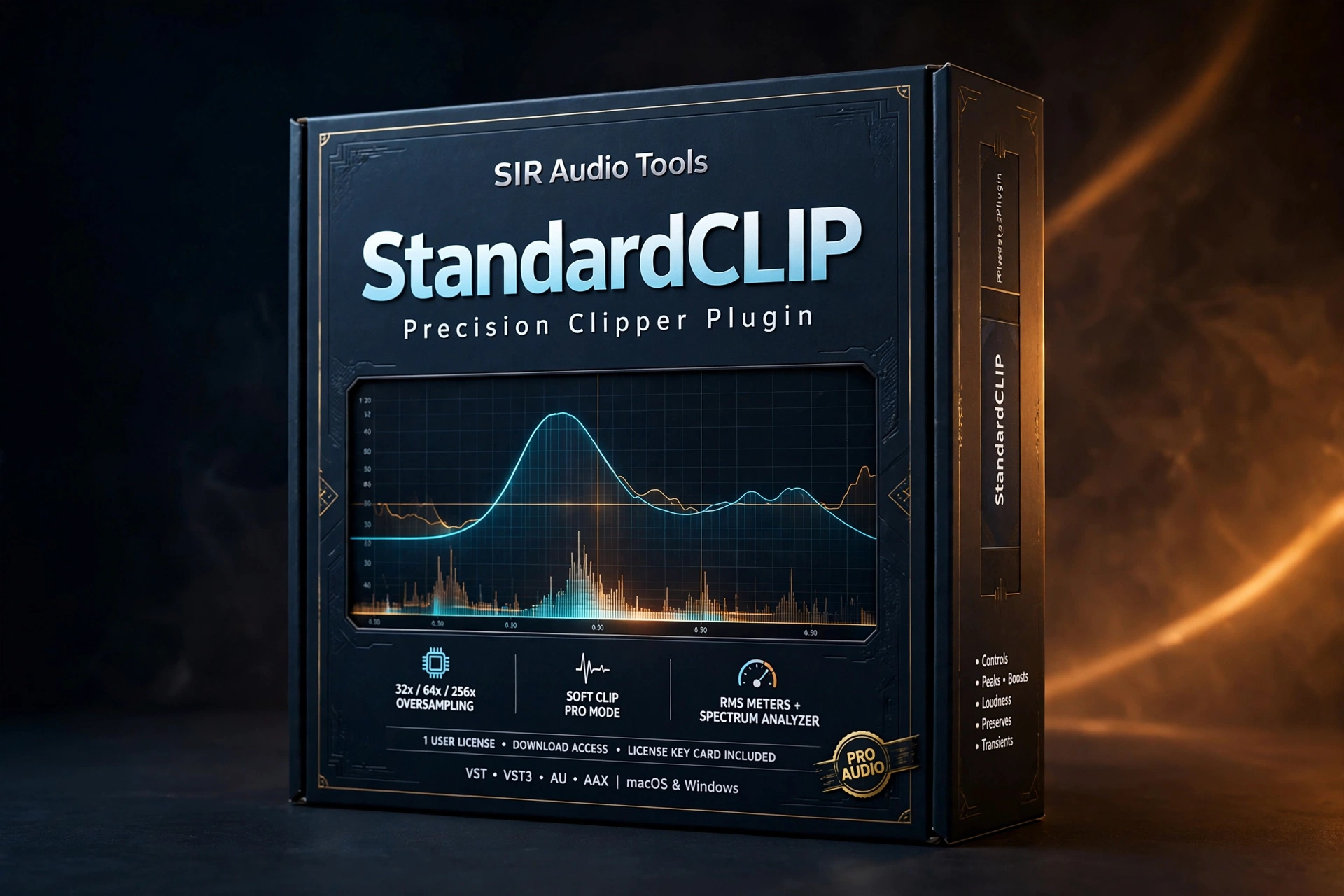
Clipping is arithmetic: signal above the ceiling gets truncated, generating harmonic content. Whether a clipper sounds like distortion or like extra loudness comes down to how the truncation is filtered — the part most plugins hide behind one quality switch. The standardclip clipper plugin takes the opposite position.
What Is the StandardCLIP Clipper Plugin?
Built by Christian Knufinke of SIR Audio Tools, the standardclip clipper plugin exposes the oversampling architecture as user controls: oversampling factor up to 256x, linear-phase or minimum-phase up- and down-sampling filters, adjustable quality and cut-off. Anyone who has wondered why two clippers sound different at identical settings can now adjust the reason itself.
Two intended uses are documented. First, the conventional one: a dynamics stage in the master chain raising volume by removing peaks. Second, as a harmonic generator where the odd harmonics from clipping are the goal, not a side effect. Version 1.6 reflects a decade of incremental refinement — mature, trusted software, not a fresh release finding its feet.
Why Choose the StandardCLIP Clipper Plugin?
Filter control is the strongest reason. Oversampling demands anti-aliasing filters, and those filters cost: linear-phase introduces pre-ringing, minimum-phase introduces phase shift, neither universally correct. Switching between them and adjusting steepness and cut-off turns the trade-off into a decision instead of an inherited default — the core value of the standardclip clipper plugin.
The Output Gain Assistant solves a real, under-discussed problem: oversampling reconstructs the waveform at a higher rate, so peaks can appear above the ceiling after down-sampling. The assistant plays your loudest section, then sets the output fader to the highest value guaranteeing no sample exceeds the ceiling — aliasing prevention by measurement, not hope. Third, the metering shows the work: the waveform display overlays pre-reduction level in red against output, with half-waveform zoom for fine adjustment.
Feature Highlights
The standardclip clipper plugin gives control where others give presets:
- Up to 256x oversampling, user-adjustable
- Linear/minimum-phase filters with quality and cut-off control
- Output Gain Assistant — measured, guaranteed ceiling compliance
- Waveform display with red pre-reduction overlay and zoom
- Dual use — transparent peak control or deliberate harmonic generation
- A decade of refinement in version 1.6
Who Is It For?
The standardclip clipper plugin is for mastering and mix engineers who treat the final decibel as a craft — anyone clipping with a limiter ceiling or one-knob clipper and wondering why results vary. Sound designers using clipping deliberately as a harmonic generator get the filter behavior as a creative choice.
Compatibility
Available for Mac and Windows in all major plugin formats, working in every major DAW. Check the product page for current version details before purchase.
Mastering Tips for the StandardCLIP Clipper Plugin
Run the Output Gain Assistant on the loudest chorus before touching anything else — it removes guesswork about post-oversampling peaks. Then A/B linear-phase against minimum-phase: pre-ringing shows on sharp transients, phase shift on wide stereo material, and the right choice varies per song.
For the harmonic-generator use, drive the input harder with lower oversampling and minimum-phase filtering — the artifacts become part of the color. Watch the red pre-reduction overlay in half-waveform view; when the red band stays consistent across the chorus, clipping is even.
FAQ
What does it do?
The standardclip clipper plugin raises loudness by removing peaks with full control over the oversampling and filtering behind the clipping — or generates odd harmonics deliberately.
What is the Output Gain Assistant?
A measurement tool: it plays your loudest section, then sets output gain to the highest value guaranteeing no sample exceeds the ceiling after oversampling.
Linear-phase or minimum-phase?
Neither is universally correct — which is why you get to choose, hear the difference, and decide per master.
Loudness is won in the last decibel. The standardclip clipper plugin gives you the controls to win it — at Plugboutique’s deal price today.
Explore more Mix & Master Plugins at Plugboutique, or pair it with Baby Audio SubCulture – Pitch-Tracking Sub Bass Enhancer for an even bigger toolkit. Also listed on PluginsBoutique.





 Download instantly from Plugboutique
 Instant Digital Delivery



 Free 2-Day returns if not work










Reviews
Clear filtersThere are no reviews yet.