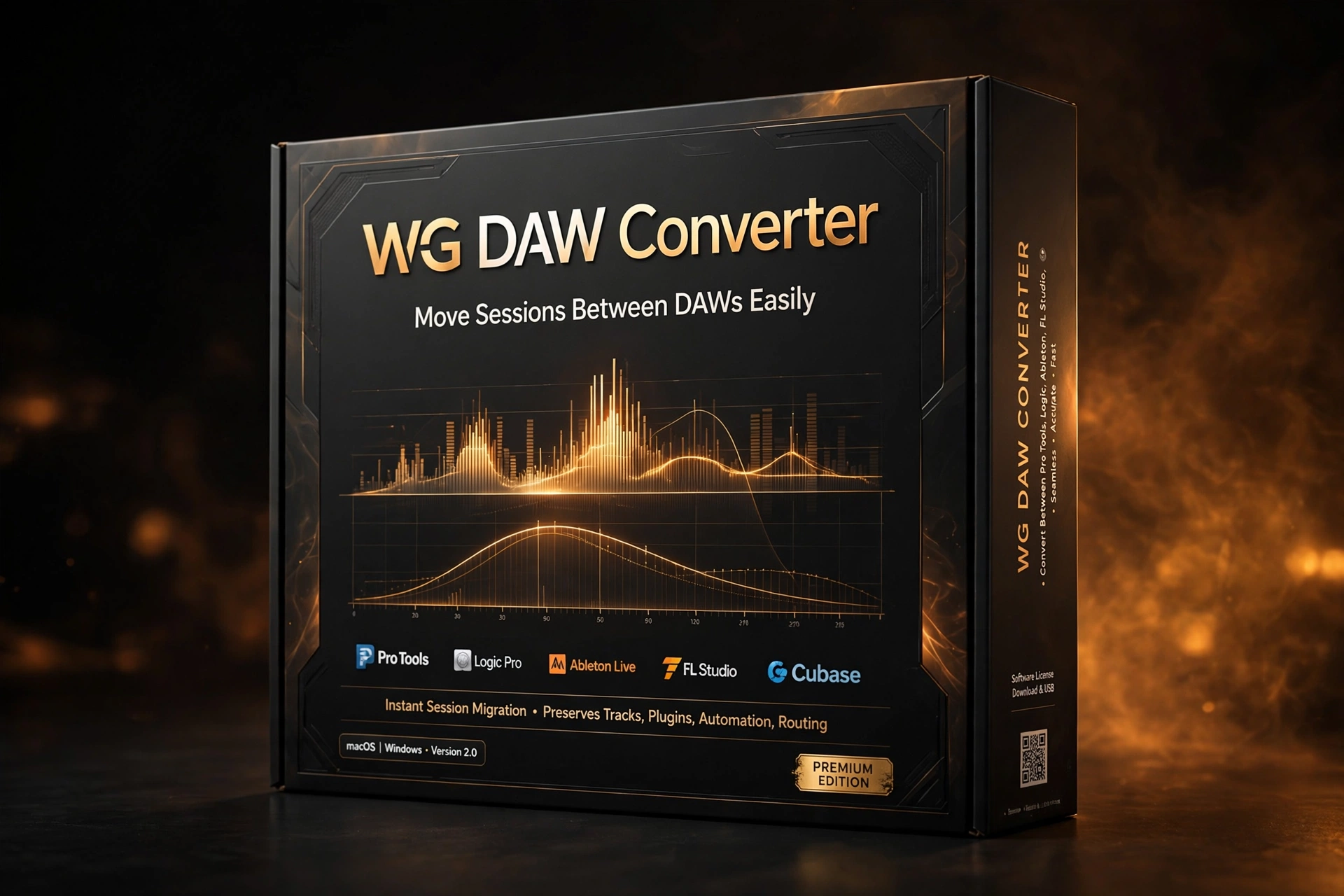
WG DAW Converter is a session-translation utility built for one of the most annoying problems in music production: a project created in one DAW that needs to open in another. Instead of bouncing stems and rebuilding the arrangement by hand, WG DAW Converter reads supported project files directly — no source DAW installation required — and converts them into formats your target DAW understands. Track names, clip positions, markers and tempo maps survive the trip, so the converted session arrives organized rather than as a pile of disconnected audio files.
How the wg daw converter workflow works
The standout detail is that the original DAW never needs to be installed. Receiving a Pro Tools session while you work in Logic Pro, or inheriting a Cubase archive when you mix in REAPER, no longer means borrowing a license or maintaining legacy installs. Load the session file into WG DAW Converter, choose your export format, and the software parses the project structure itself. That direct parsing is what makes it practical for client work, collaboration across studios, and digging into old archives from software you stopped using years ago.
Key features of wg daw converter
- Reads Pro Tools PTX, PTF and PTS sessions without Pro Tools installed
- Supports Studio One, Ableton Live 12, Logic Pro 10/11/12, Cubase (all generations) and Nuendo 1.x–15
- Handles FL Studio, REAPER, Adobe Audition, OMF and AAF source formats
- Exports to AAF, OMF, Ableton Live, REAPER, Audition, DAWproject and aligned per-track WAVs
- Preserves track names, clip positions, markers and tempo maps during conversion
- MP3 export for quick reference mixes and client previews
- Ideal for studios receiving projects from multiple DAWs every week
Who is wg daw converter for?
WG DAW Converter is built for mixing and mastering engineers who receive sessions from clients on every platform, producers switching their main DAW, post-production houses juggling formats, and anyone sitting on archives of old projects in software they no longer own. Remote collaborators benefit too: when the vocalist tracks in Logic and the mixer works in Pro Tools, the handoff stops being a stem-export chore.
Tech specs and compatibility
The converter handles the major professional session formats listed above, with exports covering interchange standards (AAF, OMF, DAWproject) alongside native DAW formats and aligned WAV stems as a universal fallback. One honest caveat: conversion moves session structure, timing and audio — DAW-specific plugins, instruments and proprietary features cannot be recreated identically in another host, so always check the converted project afterward.
It also earns its keep as an archive tool. Studios sitting on decades of sessions in discontinued formats can batch-convert old projects into open interchange standards before the original software stops running entirely — a quiet insurance policy against format rot. For freelancers, it means saying yes to any client, on any platform, without maintaining five DAW installations just to open incoming work.
WG DAW Converter FAQ
Does wg daw converter need the original DAW installed?
No. It parses supported session files directly, which is the whole point — you can convert a Pro Tools or Cubase project on a machine that has never had those DAWs installed.
Will my plugins transfer to the new DAW?
No. Session structure, audio, markers and tempo transfer, but DAW-specific plugins and instruments cannot be reproduced identically elsewhere. Plan to replace or re-instantiate processing after conversion.
What is the safest export format?
When a direct project-to-project conversion is not appropriate, aligned per-track WAV files are the bulletproof fallback — every DAW on earth can import them with timing intact.
Stop rebuilding sessions by hand. WG DAW Converter turns DAW-hopping from a day of stem exports into a few clicks — and at the Plugboutique deal price, it pays for itself the first time a client sends you a session from a DAW you don’t own. Buy it now.
Explore more Mix & Master Plugins at Plugboutique, or pair it with PAA Legend Channel – British Console Channel Strip Plugin for an even bigger toolkit. Also listed on PluginsBoutique.



 Download instantly from Plugboutique
 Instant Digital Delivery


 Free 2-Day returns if not work





Reviews
Clear filtersThere are no reviews yet.